

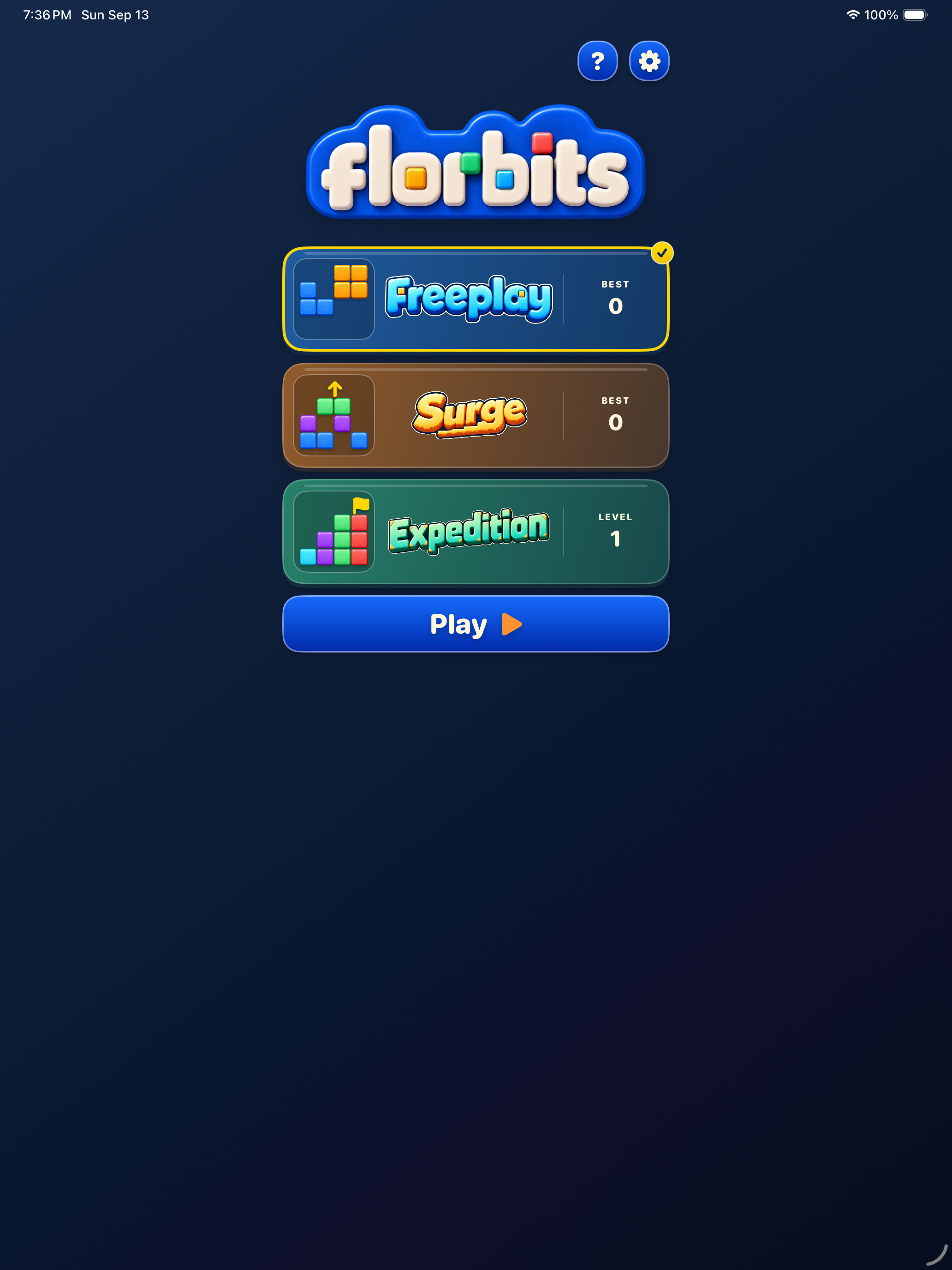
Freeplay
Start with an empty board and keep placing pieces for your highest score. Clear rows and columns to make room. Your run ends when none of your available pieces fit.
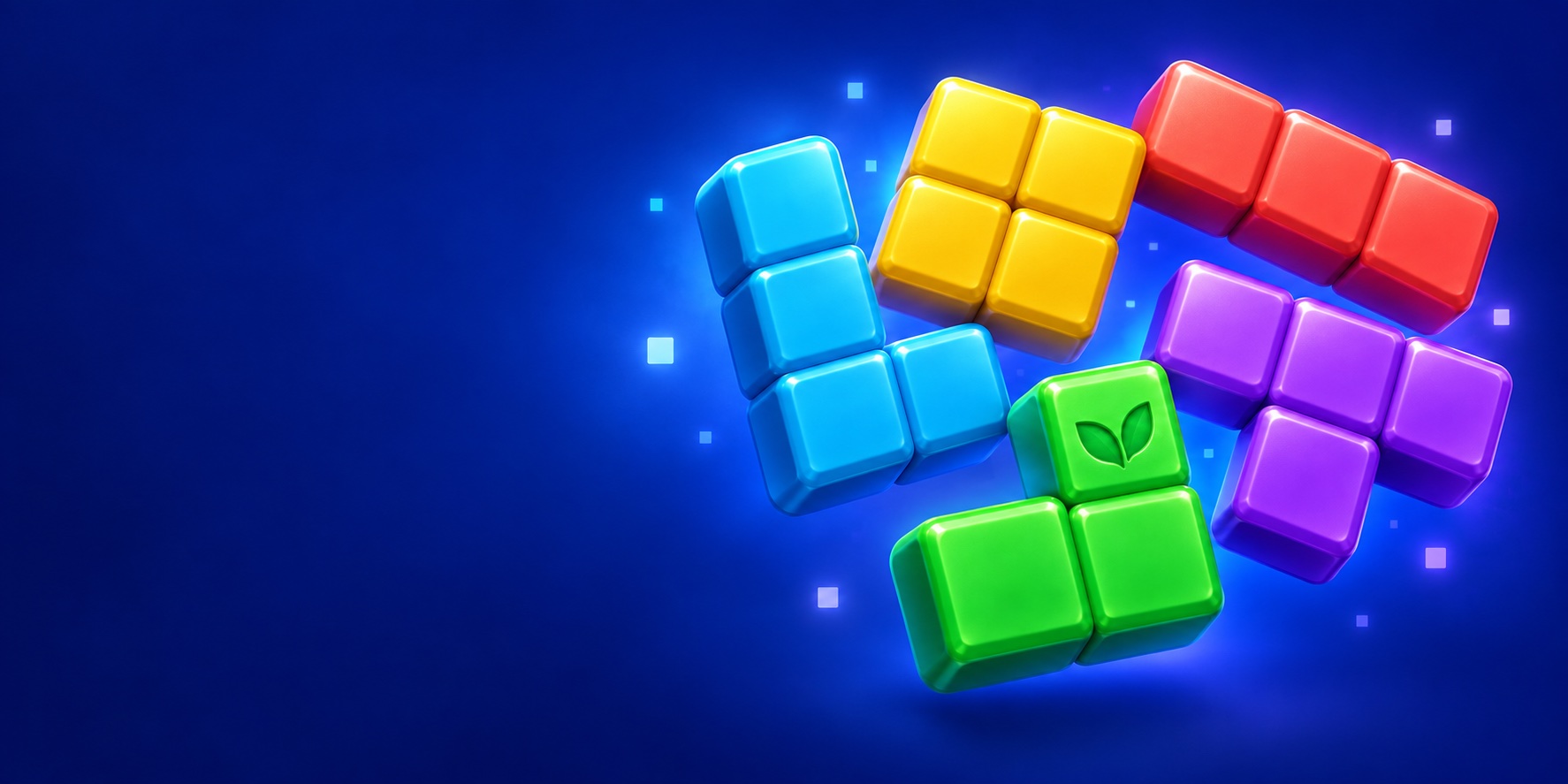

Place colorful blocks on an 8×8 board and clear complete rows and columns. Plan your next placement, build combos, and choose from three ways to play.
Start with an empty board and keep placing pieces for your highest score. Clear rows and columns to make room. Your run ends when none of your available pieces fit.

Clear the board through a rising-block challenge. A placement that does not clear a line brings in a burst of one, two, or three rows from below; clearing a line pauses the rise. See the next burst size before you move. Work through each round’s incoming rows and clear the remaining blocks before they overflow the top.

Complete varied goals: clear a prepared board, collect gold, mint, or violet leaves, or collect two leaf colors. Collection levels finish as soon as you reach their targets. There is no move limit. Restart a level to try the same starting layout again, with new levels generated as you progress.
Development gameplay. Select an image to enlarge.


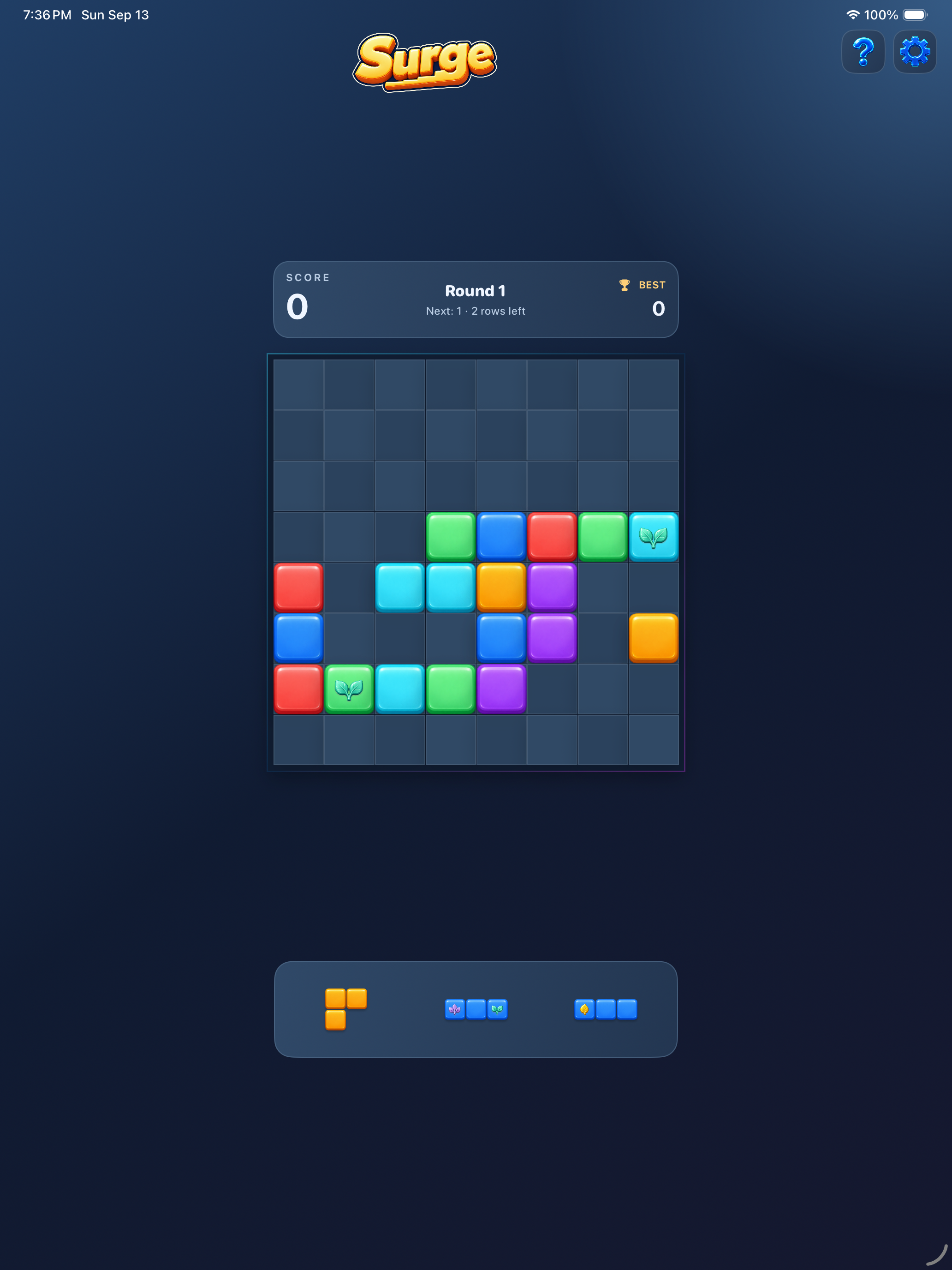
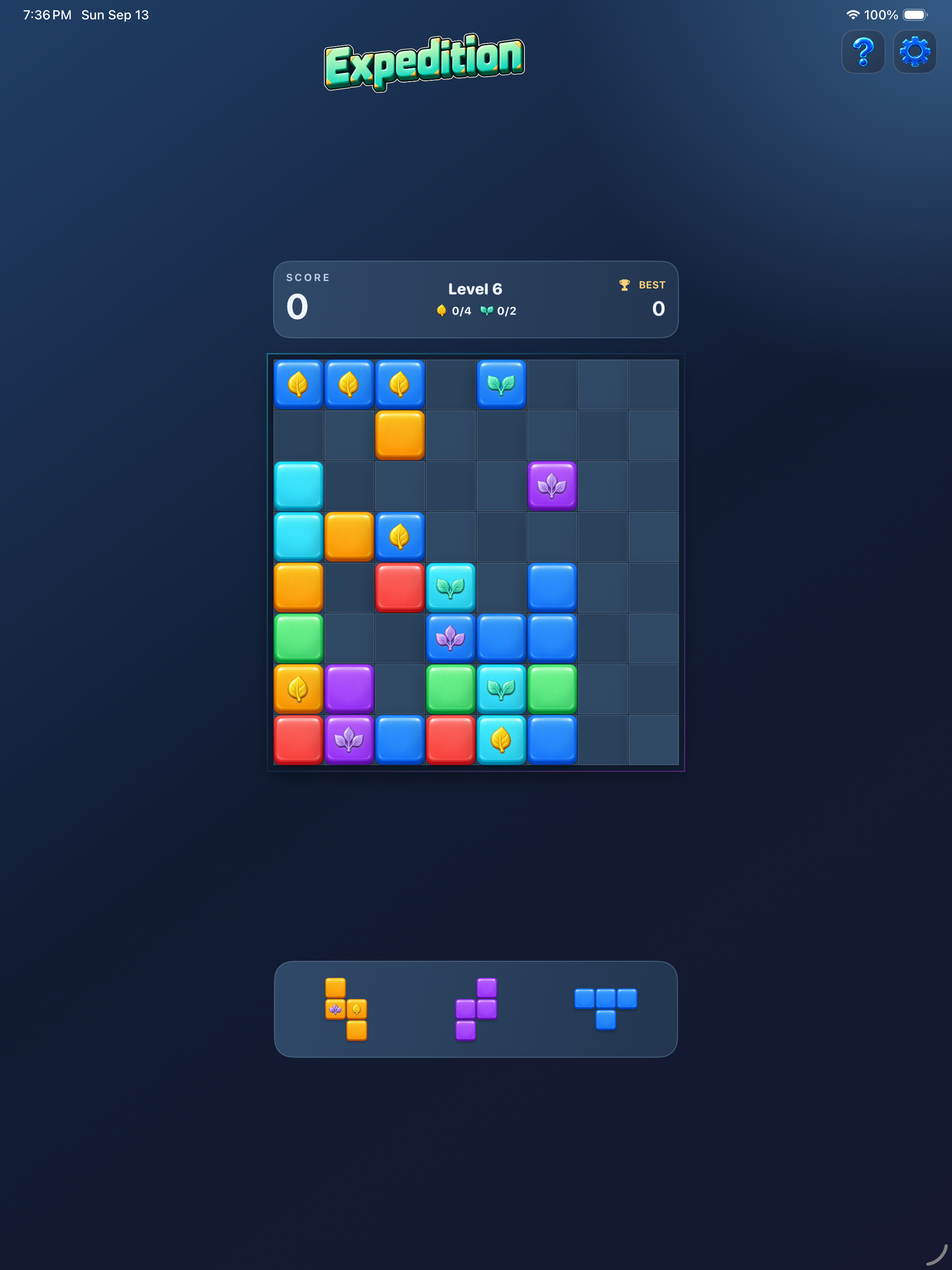
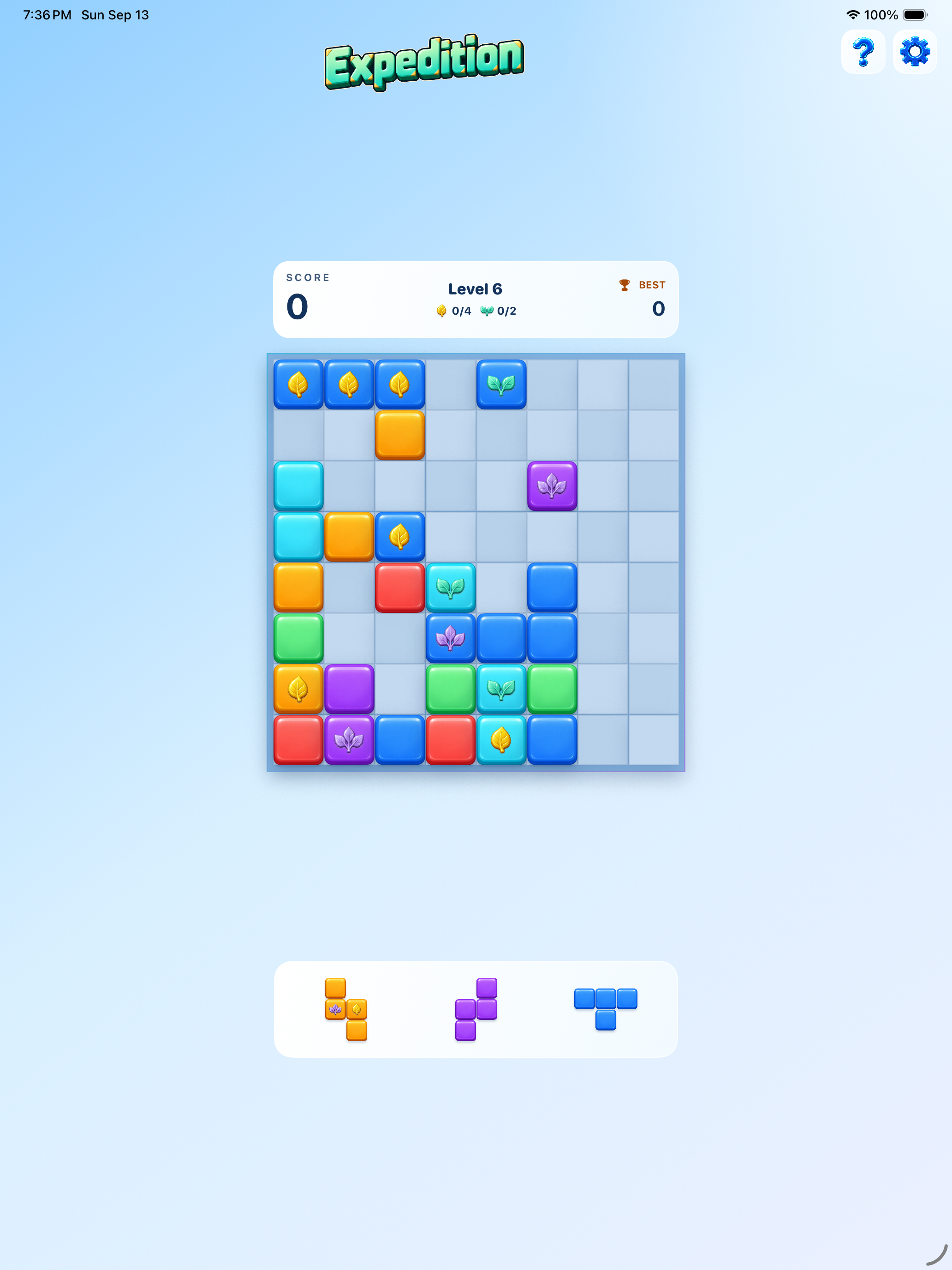
Drag a piece onto the board, or select it and tap where it should go. A placement preview shows the lines you can clear before you let go. Colors do not need to match: fill any complete row or column.
Leaf blocks appear across all block colors. Each cleared leaf adds 25 points, with another 100 for a full leaf row or column. Gold, mint, and violet have distinct one-, two-, and three-leaf badges.
Multi-line clears, streak effects, and completion celebrations make your progress feel rewarding. Choose light or dark appearance, and adjust music, sound effects, and haptics in Settings.



All three modes are free to play. The free version supports banner ads during gameplay and ads between failed attempts. A one-time Remove Ads purchase permanently removes both kinds of ads and restores the full board layout without banner space.
Remove Ads: US$4.99. Prices in other regions may vary; the price shown by Apple at purchase applies. No subscriptions, paid lives, or purchases required to progress.
For controls, saved games, and purchase help, see the support section below. Contact hello@mediocregs.com.
Read the Florbits privacy policy.
Need help with Florbits? Email hello@mediocregs.com with your device model, iOS version, app version, and a description of what happened. A screenshot can help. Please do not send passwords or payment details.
Drag a piece onto empty squares. You can also select a piece and tap the square where its top-left corner should go. Fill an entire row or column to clear it; colors do not need to match. Pieces arrive in different orientations and cannot be rotated manually.
In Expedition, follow the goal in the score box: clear every block or collect the shown leaf colors. The counters show collected leaves and targets. A collection level ends as soon as its targets are met; ordinary blocks may remain. There is no move limit, but you need room for the pieces in your tray. Restart restores that level’s starting layout.
In Surge, non-clearing placements bring in the next burst of one to three rows in the round’s finite wave. Clearing a line pauses the rise. The score box shows the next burst size. Finish the wave and clear the board to advance. Blocks can occupy the top row; you lose if another rise pushes them beyond it, or if no available piece fits.
Freeplay continues until no available piece fits. Returning Home through the confirmation saves your score as your best if it is higher.
Runs and preferences stay on your device. Best scores and unlocked Expedition levels and Surge rounds also sync through iCloud when available on devices using the same iCloud account. Sync may take time; the game remains playable offline. Higher records are kept when devices disagree. A higher unlocked level takes effect when starting from Home, without replacing a board during play. Current boards do not transfer between devices. Deleting the app can remove local boards and records that have not synced. Restore purchases restores Remove Ads ownership separately.
Open Settings and choose Remove Ads. This is a permanent one-time purchase covering banner ads and ads between failed attempts. To restore it, choose Restore purchases in the Remove Ads menu using the Apple Account that made the purchase.
If Apple is waiting for purchase approval, the change takes effect after approval and verification. If purchase or restore fails, check your internet connection and try again. Contact us if the problem continues.
Settings includes Music, Sound effects, Haptics, and Light mode switches. Dark mode is the default. Sound also follows your device’s silent mode.
Open Settings → Privacy choices when that option is available. See the privacy choices section on this page and the privacy policy for more information.
To review advertising choices in Florbits, open Settings → Privacy choices when that option is available. The choices shown depend on your region and the consent service’s requirements. If the option is absent, the game is not currently being instructed to show a separate privacy-options entry.
Florbits uses standard Google ad requests, with eligible serving based on applicable consent choices and platform permissions. Advertising services can still process information needed to deliver and measure ads. Purchasing Remove Ads stops the game’s banner and between-attempt ads; it does not erase information previously processed by advertising services.
Your board, scores, and preferences are stored on your device. Deleting the app can remove local boards and unsynced progress. Best scores and unlocked levels can return through iCloud; deleting the app does not erase records already synced there. There is no separate gameplay analytics opt-in or player account to delete.
For privacy requests, email hello@mediocregs.com. Read the Florbits privacy policy.