
Select the top petal
Tap a flower to lift the petal currently resting at the top.

A blooming color-sort puzzle
Turn a tangled garden into a display of color. Sort petals, plan the next turn, and make each bloom your own with colorful garden themes.
Free download · Optional one-time Remove Ads purchase · No account required
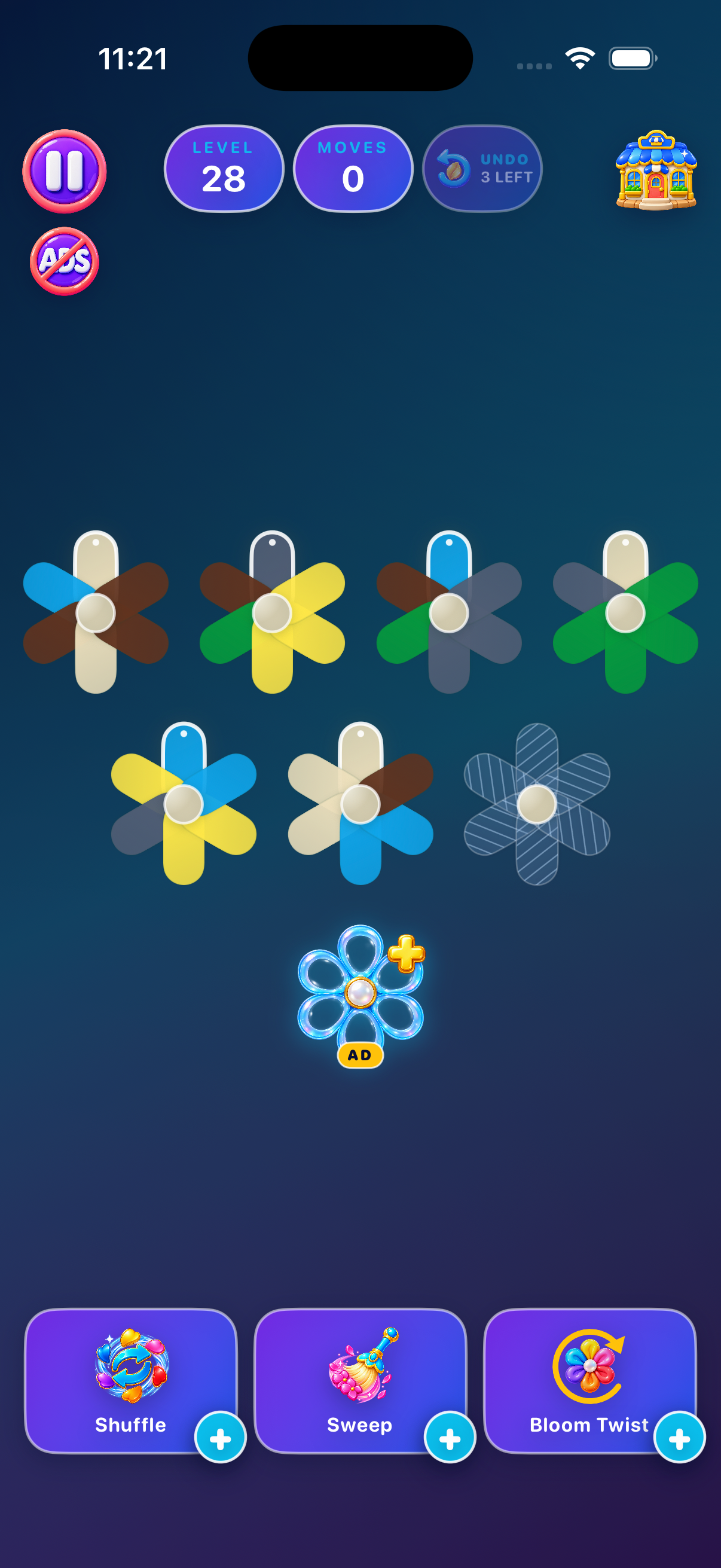
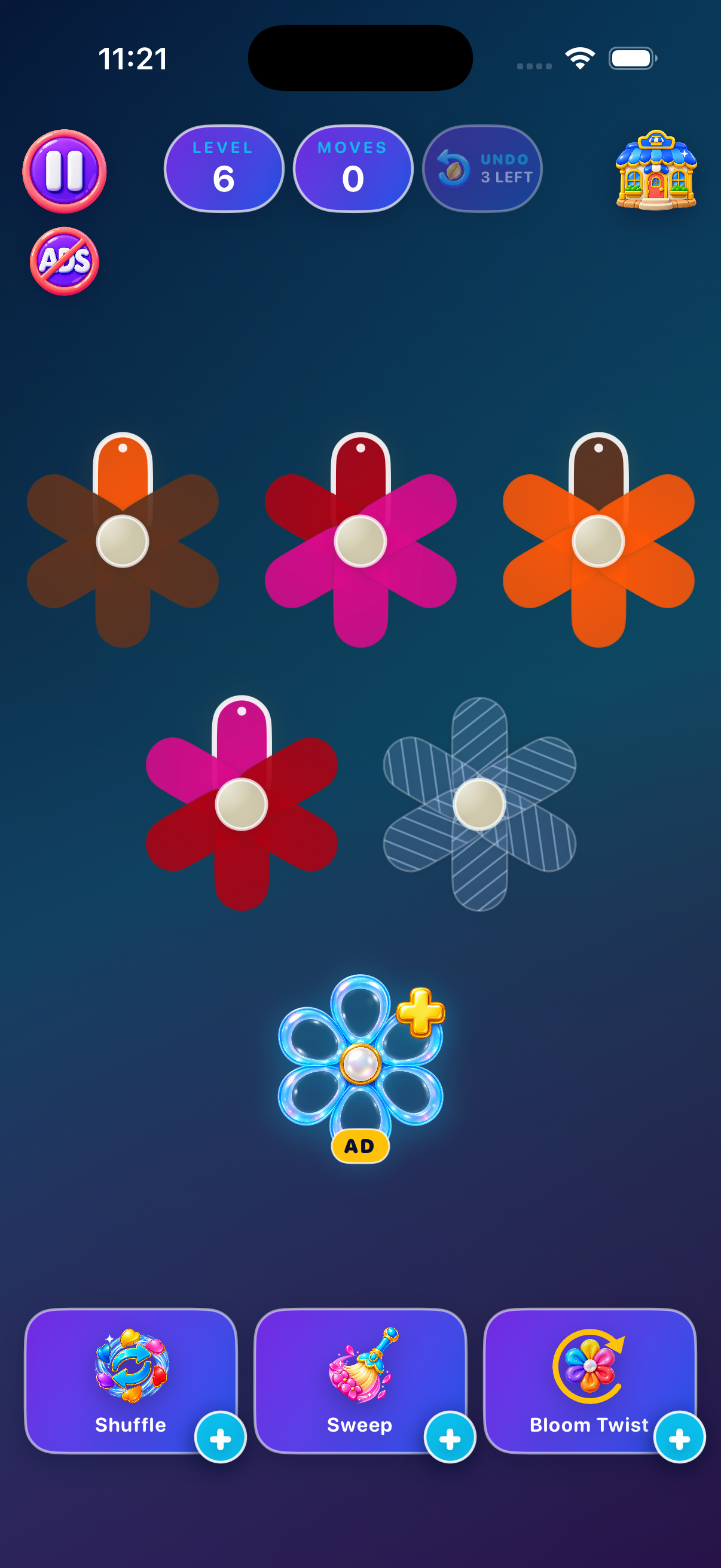
Each flower holds six petals. Move the top petal to an empty flower, or onto a matching top color when space is available.
Tap a flower to lift the petal currently resting at the top.
Move it to an empty flower or onto a matching top color when space is available.
The source flower rotates after every move, revealing what comes next.
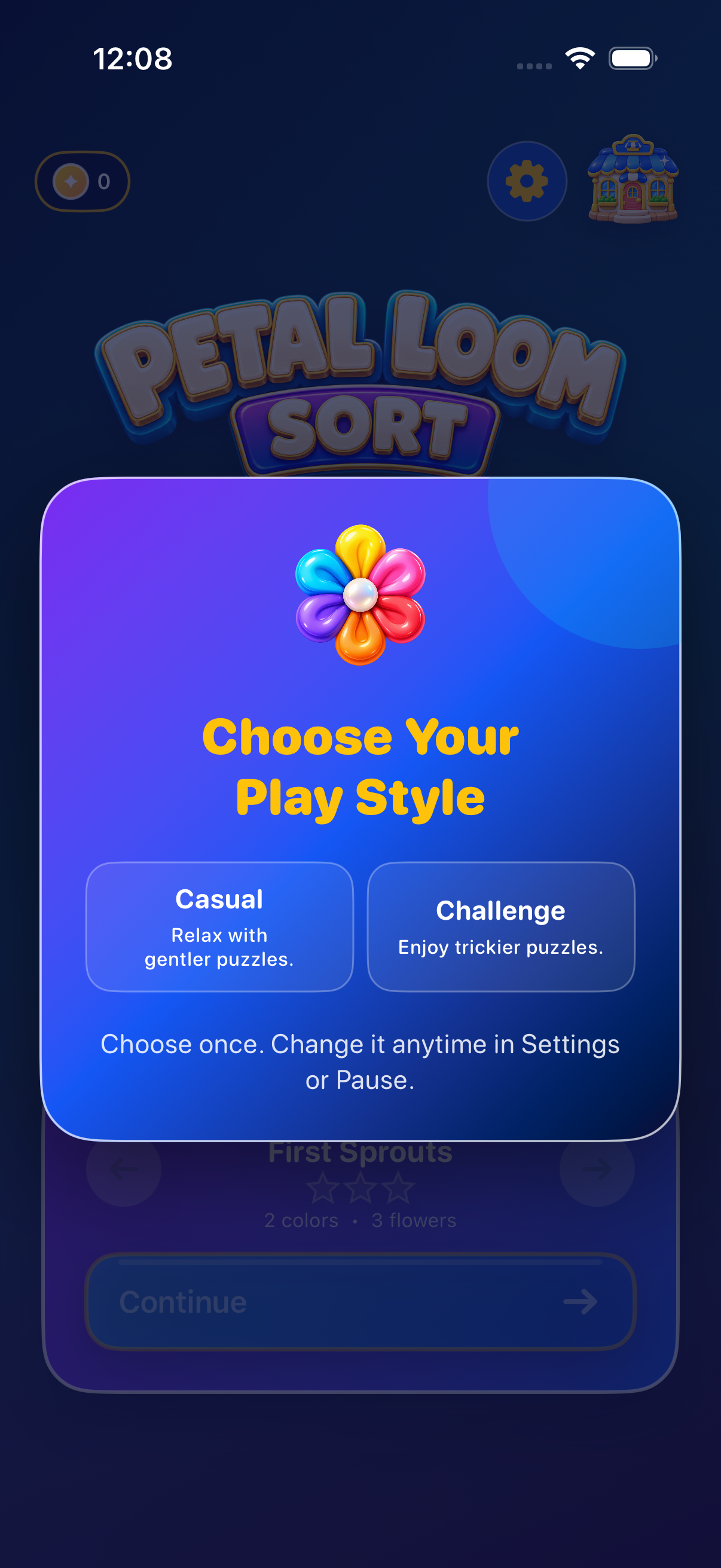
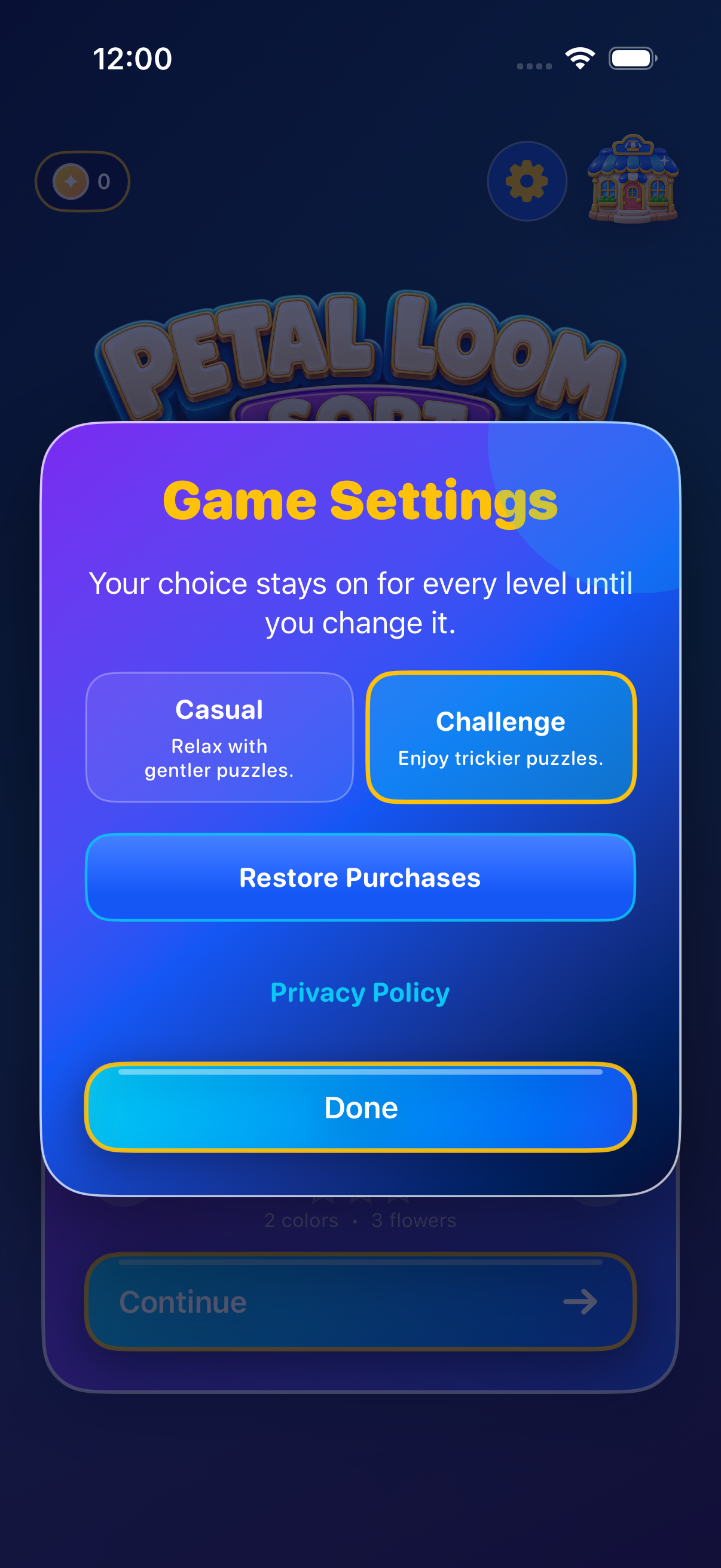
On first launch, a separate popup asks you to choose Casual or Challenge; neither mode is preselected. Tap a mode to save it and continue to Home. Your choice stays on for every level until you change it in Home’s Game Settings or from Pause.
Gentler puzzles with larger matching groups and destination highlights.
Deeper mixes, verified solution paths, and more planning.
Both modes start with solvable boards, but later moves can still leave you stuck. Restarting is always free.
Level unlocks, coins, cosmetics, and power-ups are shared between modes. Each mode keeps its own star ratings and board-specific move targets.
The opening levels introduce a few flowers and colors. Endless progression then cycles through smaller and larger gardens, so later levels are not always the biggest boards.
Casual retains destination guidance. Challenge removes it after the opening 20 levels. Coins are earned only on your first completion of a level, not again on a replay or in the other mode.
Every level begins with a verified solution path. Your choices determine how the garden unfolds.
Free restarts are always available. When you want another option, four focused assists can help you find a new route.

Take back your latest move while undos are available.

Reshuffle unfinished flowers into another solvable arrangement.

Remove one selected color from the board.

Rotate one mixed flower to choose its top petal.
Choose a mixed flower, preview turns in either direction, and confirm to spend one charge. Petals stay in that flower and keep their circular order.
Canceling—or returning the flower to its original position—does not spend a charge.
Optional rewarded ads can provide selected assists, including a bonus empty flower when offered.
Earn coins by completing new levels, then visit the Garden Shop for backgrounds, petal styles, flower centers, and power-ups. Cosmetics change the look, not the rules.
 Backgrounds
 Petal styles
 Flower centers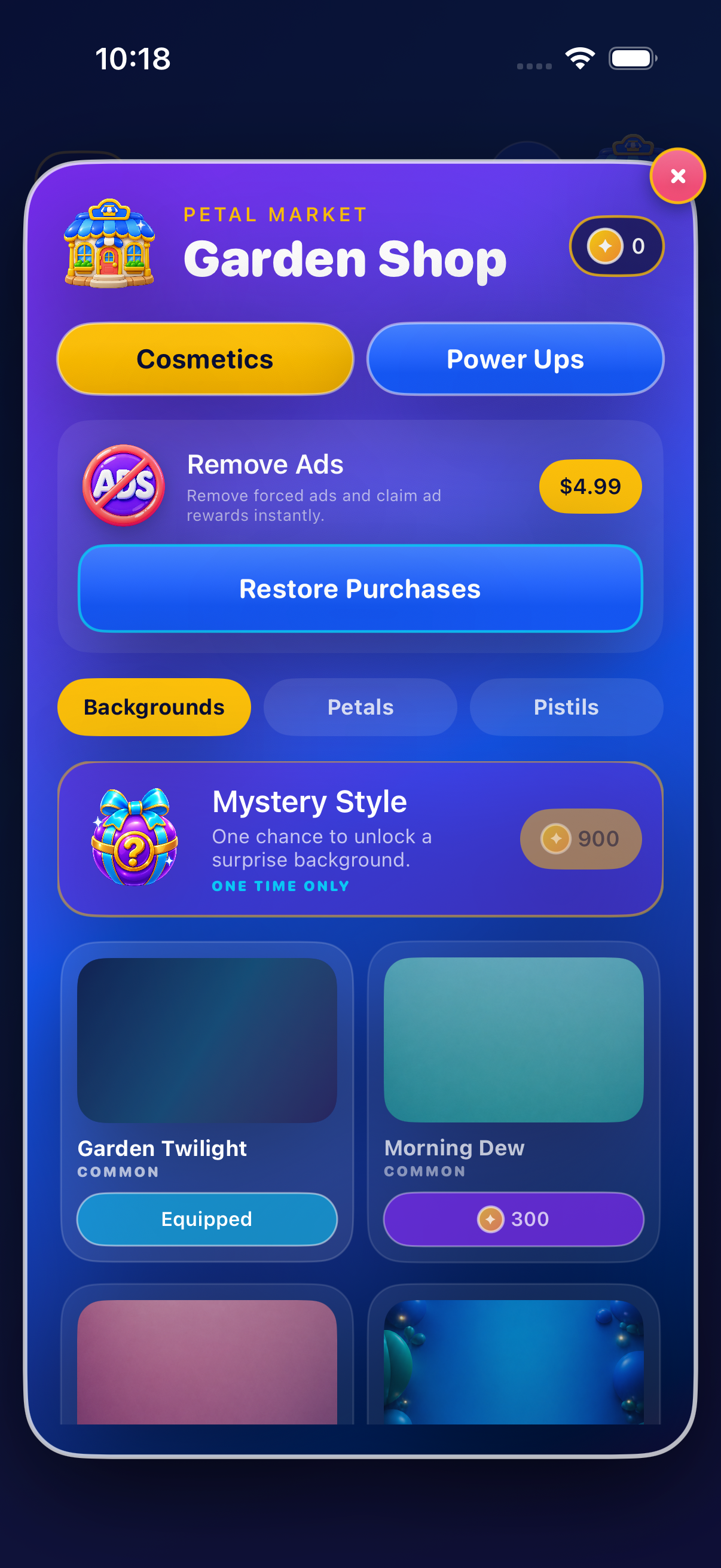
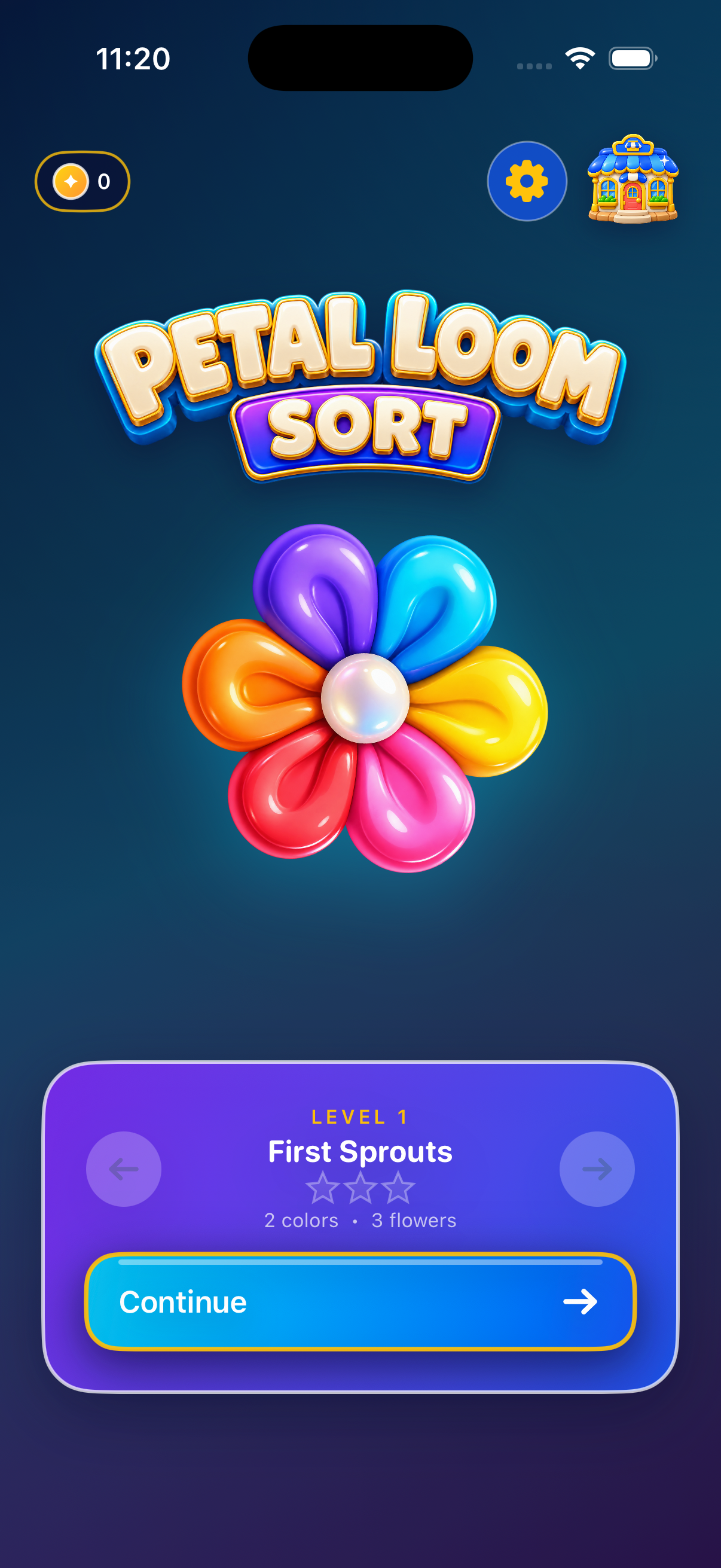
Full-screen iPhone 17 simulator captures showing the current Home, gameplay, Garden Shop, first-launch mode choice, and Game Settings.
Select an image to enlarge
No. The current version does not send level attempts, moves, completion times, or purchase events to a gameplay analytics service. Google advertising still involves data processing for ad delivery, measurement, fraud prevention, and diagnostics. Read our Privacy Policy for details.
No. Petal Loom Sort does not require registration or login. Progress stays on your device.
We want every garden to feel relaxing and fair. Browse the answers below or email us if something is not working.
Tap a flower to select its top petal, then tap a compatible destination. A petal can move to an empty flower or onto a matching top color when space is available. After the move, the source flower rotates clockwise. Casual highlights compatible destinations at every level; Challenge keeps that guidance during the opening levels.
On first launch, a separate popup asks you to choose Casual or Challenge; neither is preselected. Tap a mode to save it and continue to Home. Your choice applies to every level and is remembered between launches. The level-selection card does not contain a mode selector on iPhone or iPad. To change it, open Home → gear button → Game Mode. From Pause, choose Switch to Casual or Switch to Challenge, then confirm the restart. Canceling keeps the current board. Switching preserves level unlocks, inventory, and coins, but starts a fresh board; spent power-ups are not refunded. Stars are tracked separately, while coin rewards remain once per level across styles.
Yes. Casual uses gentle shuffles from solved flowers; Challenge uses deeper mixes with verified solution paths. Your later moves can still leave a board stuck. Restarting is always free.
Use a remaining Undo, restart for free, or use Garden Rescue when offered. Power-ups can also create a different path through the puzzle.
Activate Bloom Twist, choose one mixed flower, and preview turns in either direction. Confirm to spend one charge and set its top petal. Petals stay within that flower and retain their circular order. Empty slots remain at the end of a partly filled flower. Canceling or returning to the original position costs nothing.
Coins are awarded only the first time you complete each level, shared across both modes. Replays can improve your stars, which are recorded separately for Casual and Challenge.
A rewarded benefit is granted only after the ad provider confirms completion. Closing an ad early, losing connectivity, or an unavailable ad may prevent the reward. Try again later; normal gameplay and free restart remain available.
Remove Ads is a one-time, non-consumable App Store purchase. It removes automatic interstitial ads and lets you claim eligible rewarded-ad benefits without watching an ad. It does not automatically unlock cosmetic shop items.
Open the Garden Shop using the upper-right shop icon on Home or the board, find the Remove Ads card at the top, and tap Restore Purchases. You can also open Home → gear → Game Settings → Restore Purchases. Use the Apple Account that originally made the purchase. The button remains available when the card shows OWNED; that label means Remove Ads is already active. A result appears after the restore. If the store is unavailable, check your connection and try again. Do not repurchase it to restore.
Tap Pause during a level and use the Sound and Haptics controls. These settings are saved on the device.
Open Home → gear → Game Settings → Privacy Policy, or Pause → Privacy Policy. Google manages regional advertising consent. When required, Privacy Choices also appears in Game Settings and Pause so you can reopen Google’s form. There is no custom advertising information or acknowledgement popup. Ads still involve data processing. Read our Privacy Policy for details. Remove Ads owners bypass advertising.
No. Petal Loom Sort does not require registration or login. Progress is stored locally on the device.
The game does not provide account-based cloud sync. Progress is saved locally; Apple may restore some app data through its backup features. Deleting the app may delete progress, coins, and earned items. Restoring Remove Ads restores the purchase, not a gameplay backup. Contact support before reinstalling to troubleshoot a problem.
Download free on iPhone and iPad, with endless room to grow.